

Performance
-
Print Speed (Black & White): Up to 50 pages per minute (A4)
-
First Page Out Time: Approx. 5.0 seconds or less (B/W), 6.0 seconds or less (Color)
-
First Copy Out Time: Approx. 6.0 seconds or less (B/W), 7.0 seconds or less (Color)
-
Resolution:1200 x 1200 dpi (print), 600 x 600 dpi (copy/scan)
-
Monthly Duty Cycle:Up to 200,000 pages
-
Processor: ARM Cortex-A9 Dual Core, 1.2 GHz
-
Standard Memory:4 GB RAM + 320 GB HDD/SSD
Connectivity & Compatibility
-
Standard Interfaces: Gigabit Ethernet, High-Speed USB 2.0, Host USB 2.0, Wi-Fi Direct (optional)
-
Optional Interfaces: Wireless LAN, Dual NIC, Bluetooth, NFC for mobile print
-
Mobile Printing:Apple AirPrint®, Mopria®, Google Cloud Print™, KYOCERA Mobile Print
-
Supported Operating Systems:Windows 10/11, Windows Server 2016/2019/2022, macOS, Linux, Unix, Citrix, SAP, and mobile OS platforms
Paper Handling
-
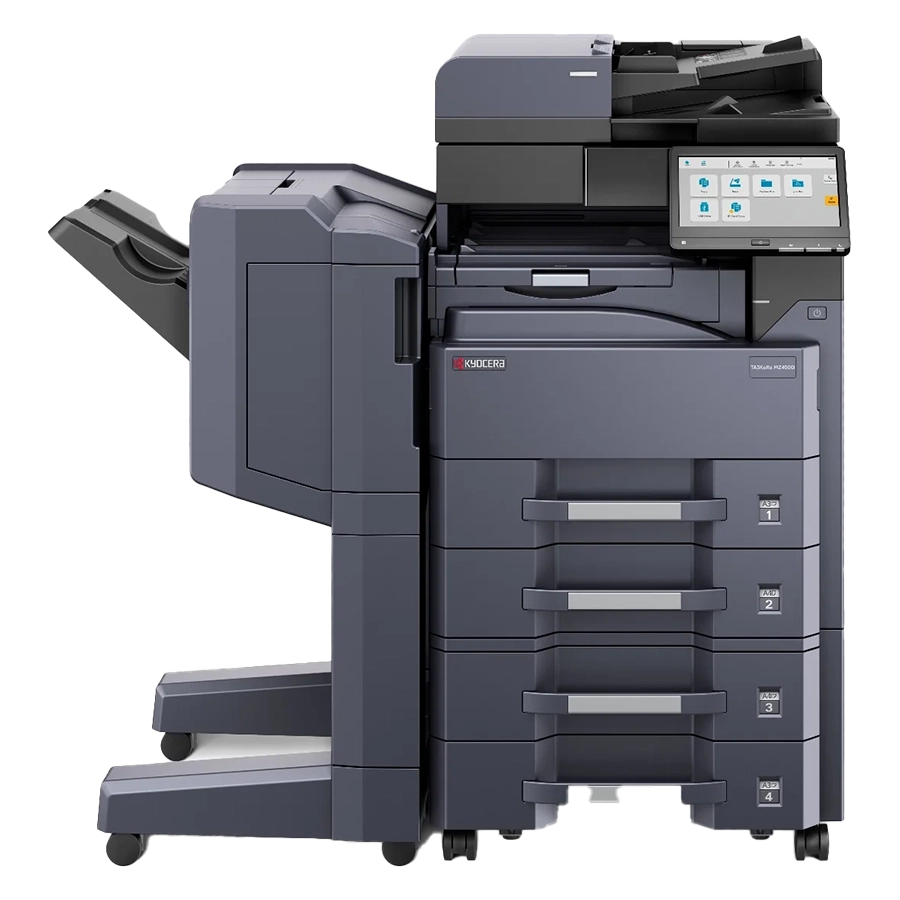
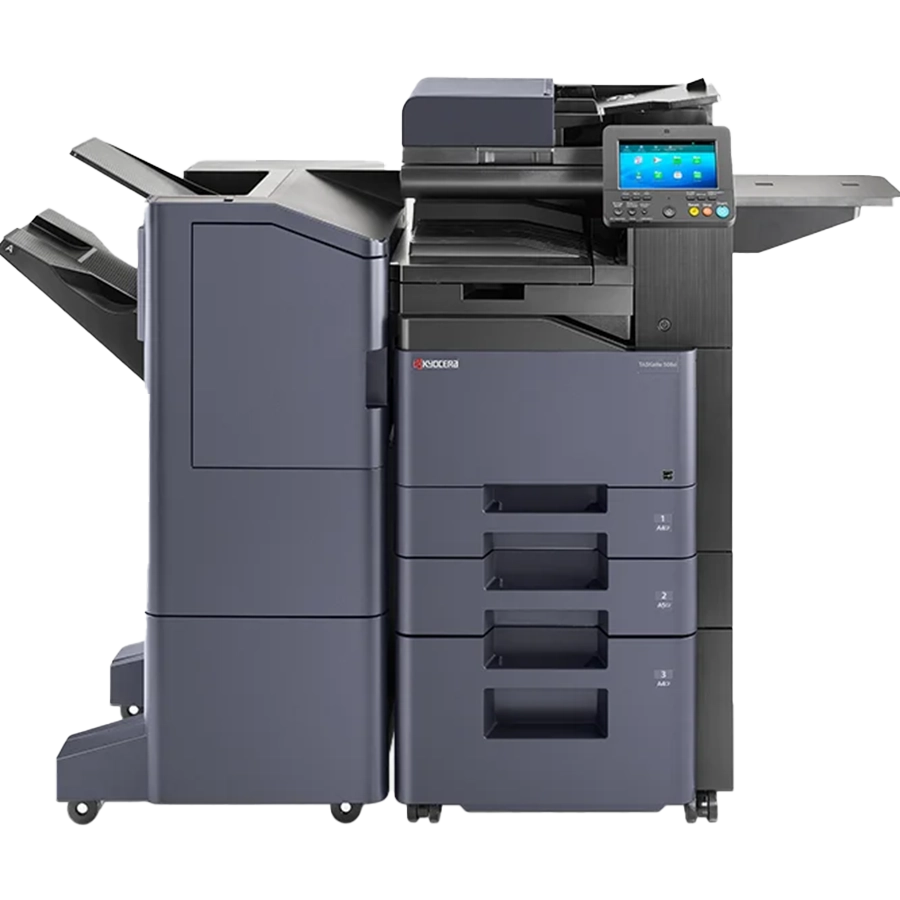
Standard Paper Capacity: 1,100 sheets (2 x 500-sheet trays + 100-sheet bypass)
-
Maximum Paper Capacity: 7,150 sheets (with optional trays/finishers)
-
Standard Output Capacity: 500 sheets
-
Maximum Paper Size: A3 / 11" x 17"
-
Document Processor: 270-sheet Dual Scan Document Processor (DSDP)
-
Supported Paper Weights: 60 – 256 g/m² (Trays), up to 300 g/m² (Bypass)
52 ppm Color Output with Built-In Document Security |
|
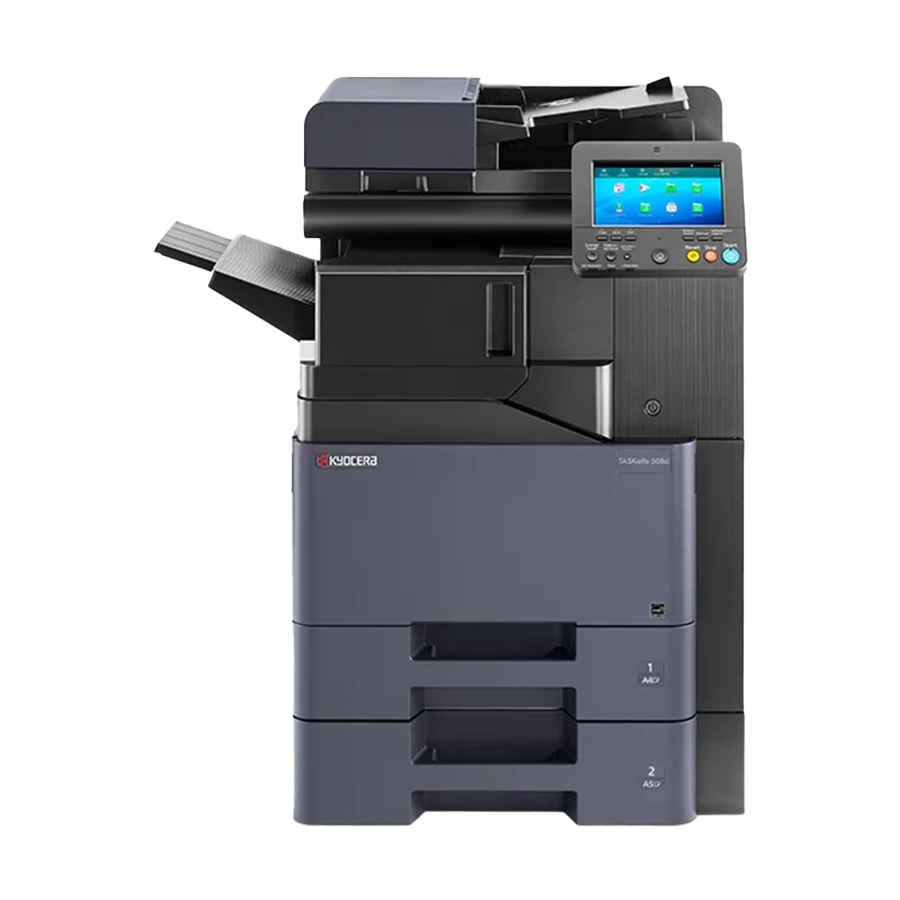
Our Houston team will set up PIN print release, user codes, and encrypted scanning on your TASKalfa 508ci before it ships. Orders process in 24–48 hours. |
| Secure My Print Fleet: 713.244.7744 Price Out a TASKalfa 508ci |
FAQ
Call our Houston office or submit a ticket through our Support Center, and our team will confirm the configuration, finisher, and paper trays before placing your order. Order processing takes 24–48 hours after confirmation.
Elevate Technology does not offer exchanges or returns on printer hardware. Review the specifications above before ordering, or ask our team to confirm the TASKalfa 508ci fits your volume and workflow.
Order processing takes 24–48 hours, and shipping is estimated at 3–7 business days.
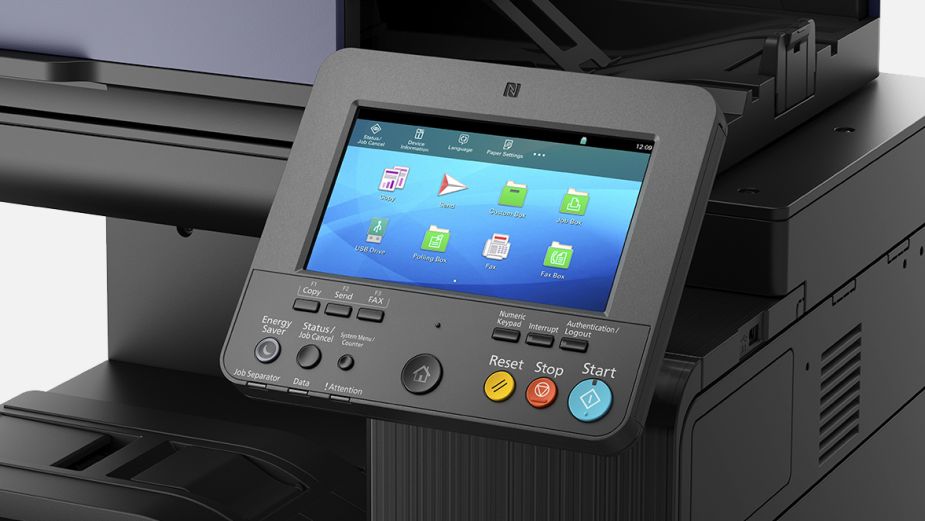
The user sends the job with a PIN from the print driver. The job is held on the device until the user enters that PIN at the touchscreen, so confidential pages never sit unattended in the tray. Card release is available with the optional card authentication kit.
No. The TASKalfa 508ci is an A4 color MFP that prints up to Legal (8.5" x 14"), plus banners up to 48" long from the multi-purpose tray. Ask our team about A3 models if you need tabloid output.
The document processor is optional. Choose a 75-sheet reversing feeder, a 100-sheet dual-scan feeder, or a 270-sheet dual-scan feeder that scans up to 174 images per minute two-sided.
Fax is optional. With Fax System 10(X) installed, it supports Super G3 fax, network fax from your PC, and encrypted send and receive.
|
ET
|
Elevate Technology Solutions Team Authorized Kyocera Reseller | Solutions365 Managed IT Provider | Serving Houston Since 2007
Elevate Technology’s solutions team helps businesses print in color without exposing confidential documents. As an authorized Kyocera reseller, we handle TASKalfa selection, secure print setup, finishing options, toner supply, and ongoing support — backed by our managed IT services expertise across Texas. |